
New: Merge Duplicate Contacts in GivingFuel CRM
Learn how GivingFuel’s Merge Contacts tool helps nonprofits clean up duplicate donor records, preserve giving history, and keep CRM data organized.
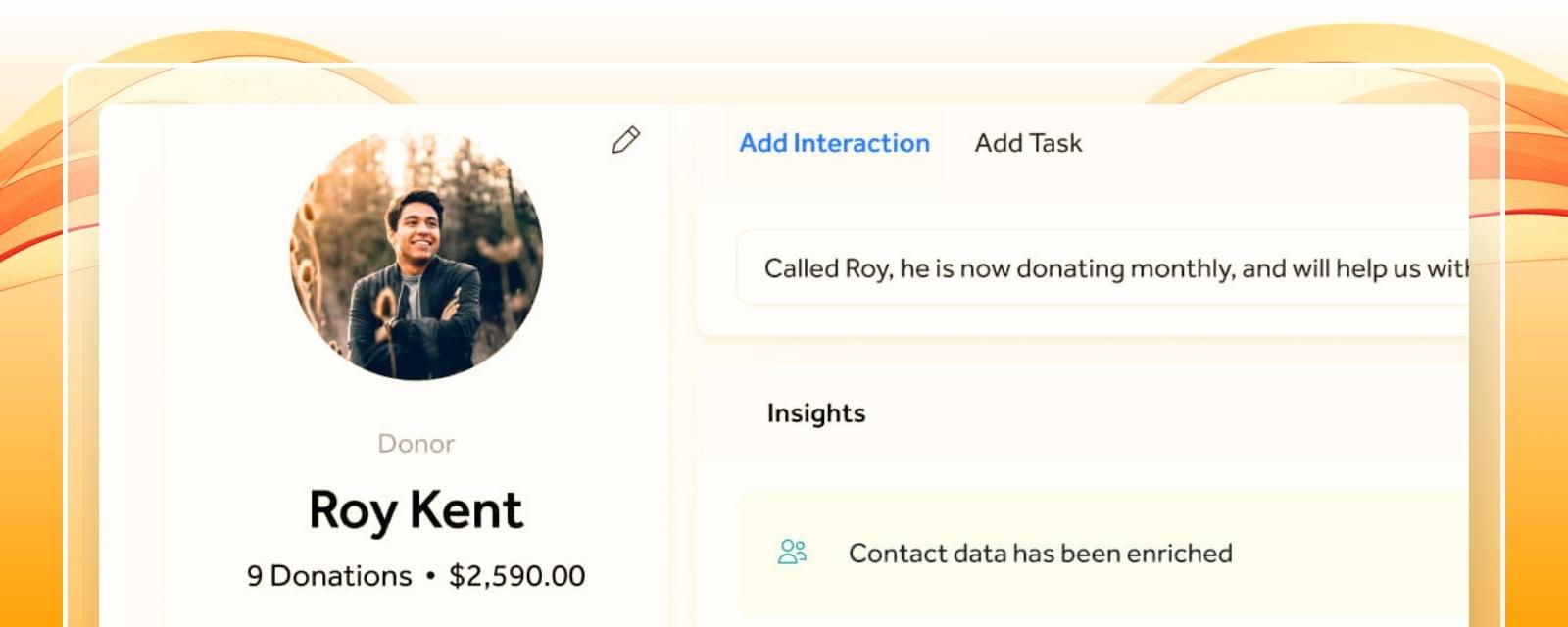

Key Takeaways
• Duplicate donor records can happen when supporters use different email addresses or when contacts are created more than once.
• GivingFuel’s Merge Contacts tool helps combine duplicate records into one primary contact profile.
• Merging contacts helps preserve donation history, interactions, tasks, recurring donations, contact details, tags, and activity.
• A cleaner CRM helps reduce duplicate communication, missed follow-up, and scattered donor records.
• Contact merges cannot be undone, so teams should review records carefully before confirming a merge.
Nonprofits know all too well how common it is for duplicate donor records to appear out of nowhere.
A supporter may give with one email address, register for an event with another, or get added manually by mistake. Before long, your team may be looking at two contact profiles for the same person.
That makes donor follow-up significantly harder. Donation history can feel split. Notes can get missed. Tasks can end up attached to the wrong profile. And your team may not have the full picture before reaching out.
That’s why GivingFuel added Merge Contacts.
This is the third post in our GivingFuel CRM series. First, we covered contact profiles. Then, we covered tags and search filters. Now, we’re looking at how Merge Contacts helps nonprofits clean up duplicate records and keep donor information easier to trust.
What Are Duplicate Donor Contacts?
Duplicate donor contacts are multiple CRM records that appear to belong to the same supporter.
This can happen when a donor gives using different billing emails, registers for something with another email, or gets added manually more than once.
For example, your CRM might have:
- One profile for a donor’s personal email
- One profile for their work email
- One profile created from a donation
- One profile created from an event registration
When those records stay separate, your team may not see the donor’s full relationship with your organization.
GivingFuel’s built-in CRM helps nonprofits manage contact records, activity, tags, tasks, and donor history in one place.
Why Duplicate Contacts Are a Problem
Duplicate contacts may seem like a small admin issue, but they can create real confusion.
When one donor has more than one record, your team may not know which profile is accurate. One record may show donation history. Another may have notes. Another may include tasks, tags, or registration activity.
That can lead to:
- Duplicate emails or thank-you messages
- Missed donor history
- Incomplete contact details
- Confusing follow-up
- Less accurate reporting
- Extra manual cleanup for your team
A clean CRM gives your team more confidence. Before you thank a donor, send an appeal, or review giving activity, you can trust that the information is easier to find and easier to understand.
What Merge Contacts Does in GivingFuel
GivingFuel’s Merge Contacts tool helps your team combine duplicate profiles into one primary contact.
When contacts are merged, GivingFuel combines donor information into the primary contact profile you choose. Merged information can include transactions, registrations, ticket orders, interactions, tasks, recurring donations, memberships, contact details, contact tags, and auto tags.
That means your team can bring scattered donor activity into one cleaner record.
With Merge Contacts, nonprofits can:
- Combine duplicate donor records
- Keep donation history connected
- Preserve interactions and notes
- Keep tasks tied to the primary profile
- Bring contact tags and auto tags together
- Create a more complete view of the donor relationship
Instead of switching between multiple profiles, your team can work from one clearer record.
How Merge Contacts Helps Your Team
Merging duplicate contacts isn’t just about cleaning up data. It helps your team take better care of donors.
A complete contact profile can help your team answer questions like:
- Has this person given before?
- Are they a recurring donor?
- Did they register for an event?
- Has someone already followed up?
- What notes or tasks should our team know about?
- Which tags are tied to this supporter?
When those answers live in one contact profile, donor follow-up becomes easier and more consistent.
GivingFuel’s Donor CRM & Relationship Management helps nonprofits manage donor profiles, giving history, interactions, tasks, tags, and follow-up notes in one connected CRM.
What to Check Before Merging Contacts
Since contact merges cannot be undone, it’s important to review records carefully before confirming the merge.
Before merging duplicate contacts, check:
- Names and email addresses
- Donation and transaction history
- Recurring donation details
- Event registrations or ticket orders
- Contact tags and auto tags
- Notes and interaction history
- Open follow-up tasks
- Contact details, including phone numbers
You will also need to choose the primary contact. The primary contact is the record that receives the combined information after the merge.
If the same contact detail exists on both records, GivingFuel keeps the primary contact’s information. If a detail exists only on the secondary contact, it is added to the primary profile. And if both contacts have saved phone numbers, all phone numbers are kept on the primary profile.
What Happens After Contacts Are Merged?
After a merge is complete, the combined information is stored under the primary contact.
GivingFuel also adds an interaction to the primary contact profile showing who merged the contacts, when the merge happened, and the billing email addresses of the contacts that were merged.
That gives your team a record of the merge for future reference.
It’s also important to note how this affects the donor’s Account Center. If a donor logs in using the primary contact’s email, they will see the combined transactions, registrations, and donations. If they log in using the old secondary email, they will not see the previous activity from the merged record.
That’s why choosing the correct primary contact matters.
Best Practices for Managing Duplicate Contacts
Use these simple habits to keep donor records cleaner over time:
- Review duplicate contacts regularly.
- Search by name and billing email before adding a new contact.
- Choose the primary contact carefully before merging.
- Check notes, tags, tasks, and giving history before confirming.
- Train your team on when to merge contacts and when to ask for help.
- Remind donors which email address to use for their account when needed.
Clean data doesn’t happen automatically. It’s a habit your team builds over time.
FAQs
What does it mean to merge duplicate contacts?
Merging duplicate contacts means combining two contact records that belong to the same supporter into one primary contact profile.
Why do duplicate donor records happen?
Duplicate donor records can happen when someone gives with different email addresses, registers with another email, or gets added manually more than once.
What information is combined when contacts are merged in GivingFuel?
GivingFuel can combine transactions, registrations, ticket orders, interactions, tasks, recurring donations, memberships, contact details, contact tags, auto tags, and related activity into the primary contact profile.
Can a contact merge be undone?
No. Contact merges cannot be undone, so teams should review records carefully before confirming a merge.
How does merging contacts help donor management?
Merging contacts helps nonprofits keep donor activity, giving history, notes, tags, and follow-up tasks in one cleaner profile, making donor relationships easier to manage.
Keep Your Donor Records Clean
Duplicate records can make donor follow-up harder than it needs to be.
GivingFuel’s Merge Contacts tool helps nonprofits clean up duplicate profiles, preserve important donor history, and keep CRM data easier to trust.
That means less time sorting through scattered records and more time building stronger relationships with the people who support your mission.
Ready to keep donor records cleaner and easier to manage? Sign up with GivingFuel today.
We’re here to help make donor management simpler, more connected, and easier to manage.
– The GivingFuel Team

The world's #1 All-in-one fundraising, engagement, CRM, and marketing platform for nonprofits. GivingFuel helps you do more, raise more and keep more.
Help & Support: team@givingfuel.com
Sales: sales@givingfuel.com
© 2026 Giving Fuel. All rights reserved.
We, like the rest of the internet, use cookies and similar technologies, including third-party analytics and reporting tools, to operate our site, and analyze usage and performance. These tools may collect information such as pages visited, interactions, device/browser details, and identifiers. But we do not sell or share your information with third-parties.
You probably won't read this nor our policies, but we are required by law (and legal trolls who ruin everything) to show you this popup before you proceed. By continuing to use our site, you acknowledge and agree to this use of cookies and technologies as described in our Privacy Policy and Terms and Conditions